TeamCity Agent
TeamCity agent is an open-source project used to execute jobs and send the results back to TeamCity. It works alongside TeamCity CI/CD, the continuous integration service that orchestrates job execution.
1 - Obtaining Your TeamCity Token
To get your TeamCity token, you need a TeamCity account. If you don’t have one, you can create an account here.
- On the main dashboard, navigate to the Agents section in the sidebar.
- Click on Install Agent.
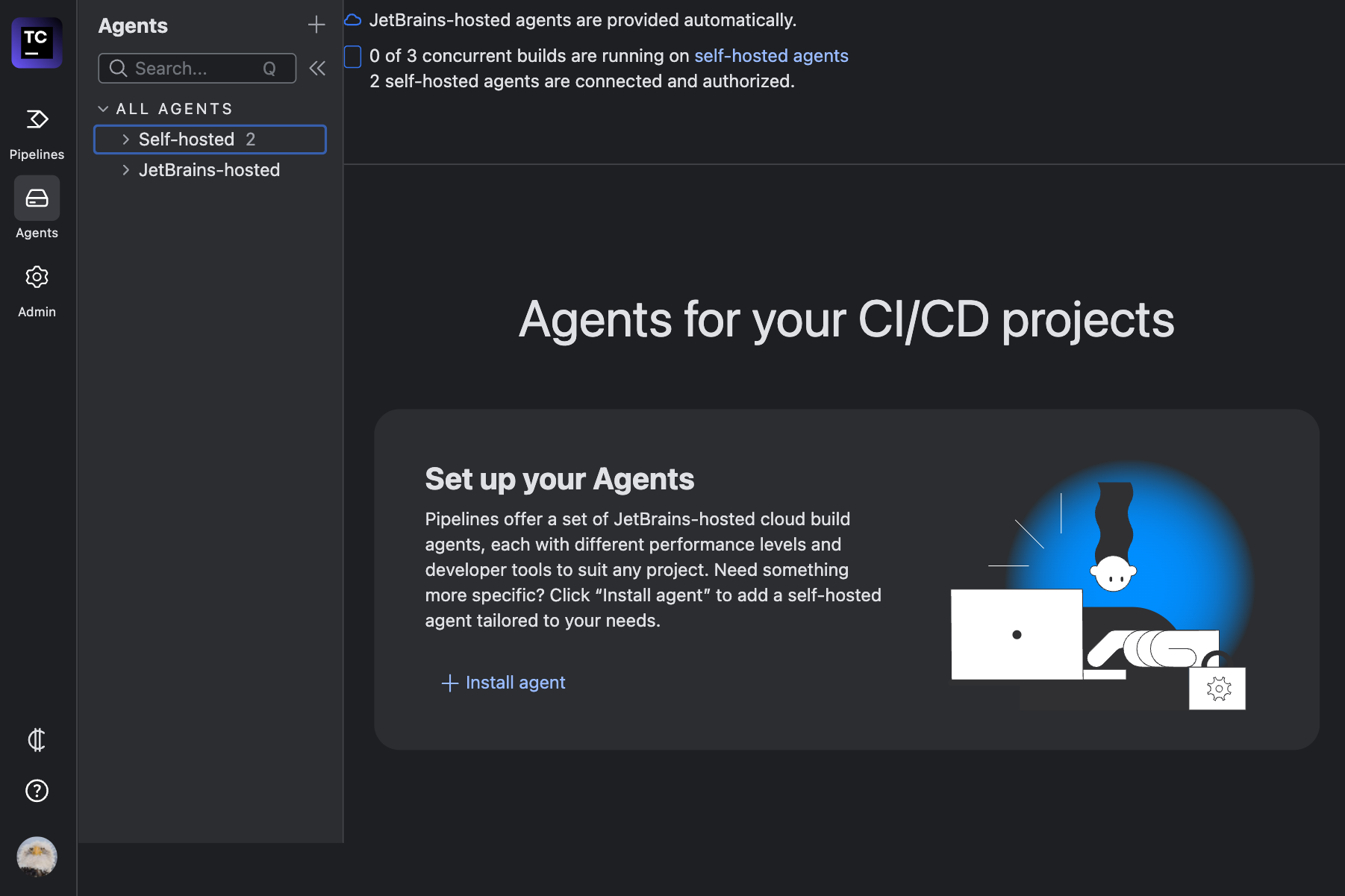
- A dialog box will appear with installation instructions for your machine. Choose one of the available options:
- Docker Image
- Linux/Mac
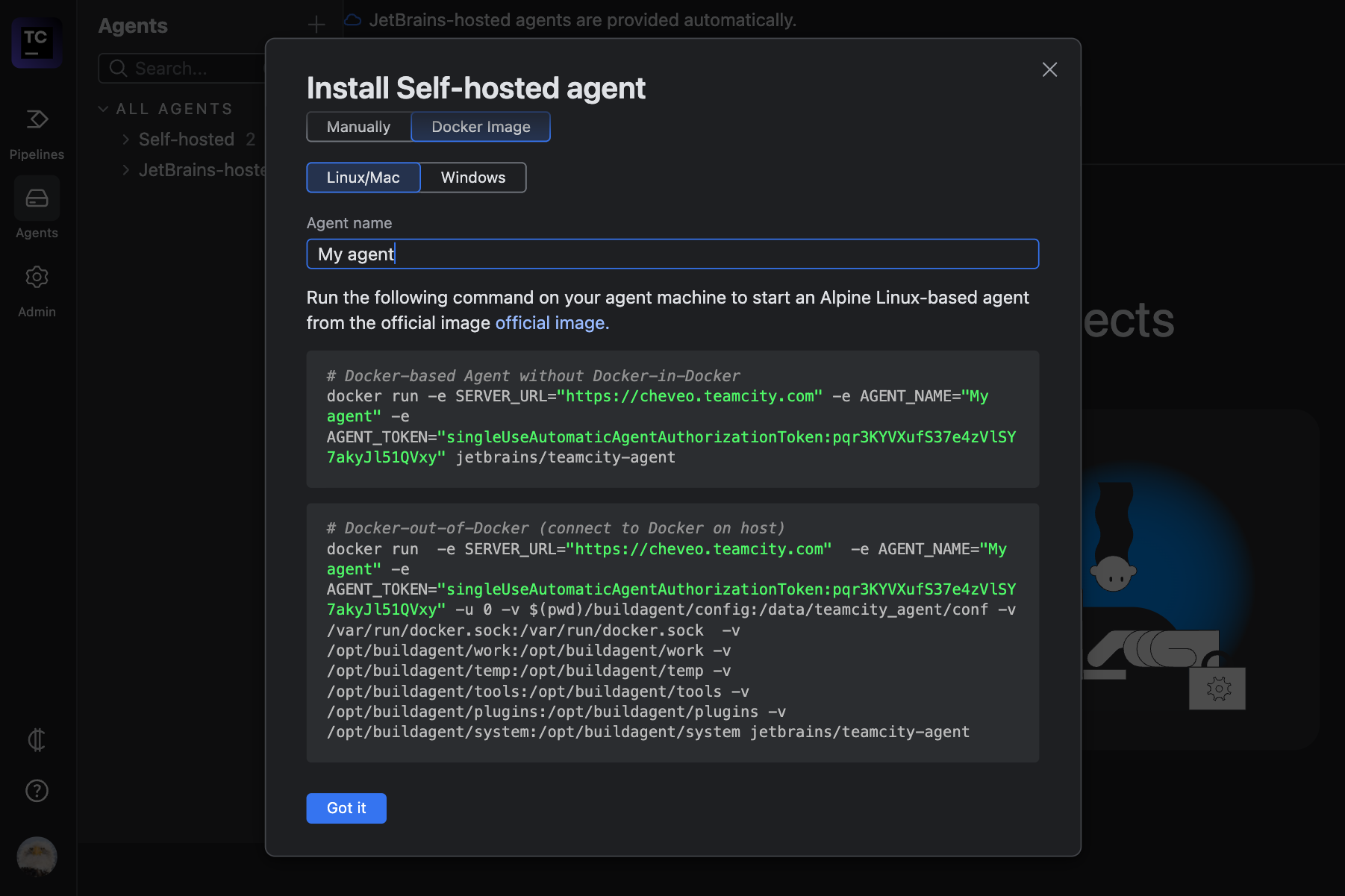
- Copy the AGENT_TOKEN and SERVER_URL for use in the next step.
The Agent Name can be configured in our form during the next step.
2 - Deploying an Einfach Cloud TeamCity Agent
To deploy a TeamCity agent on Einfach Cloud, you need an account. If you don’t have one, you can create a new account.
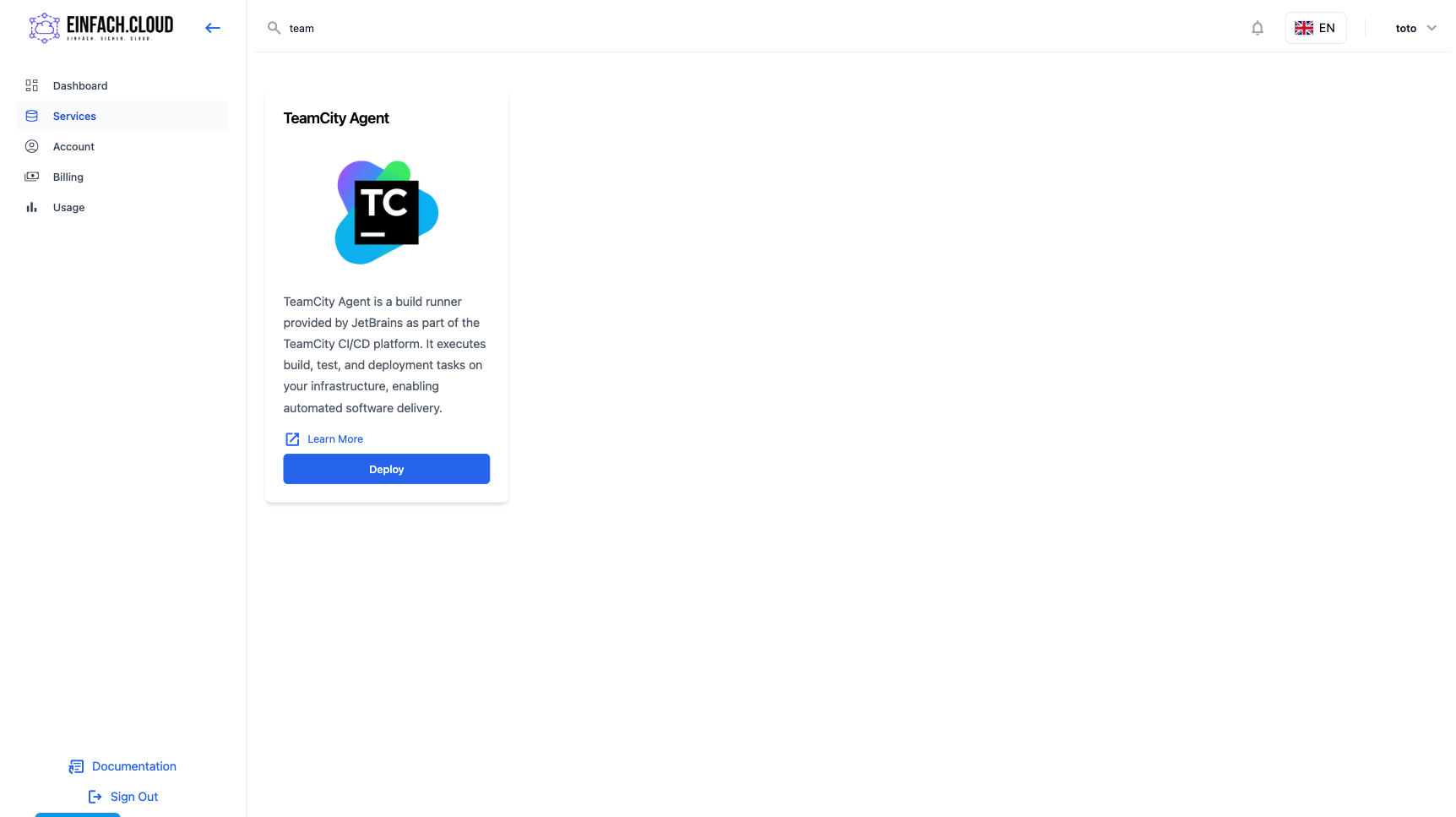
- On the Services page, select the TeamCity Agent service.
- Create a new agent by filling in the required fields, selecting the necessary resources, and clicking Add TeamCity Agent.
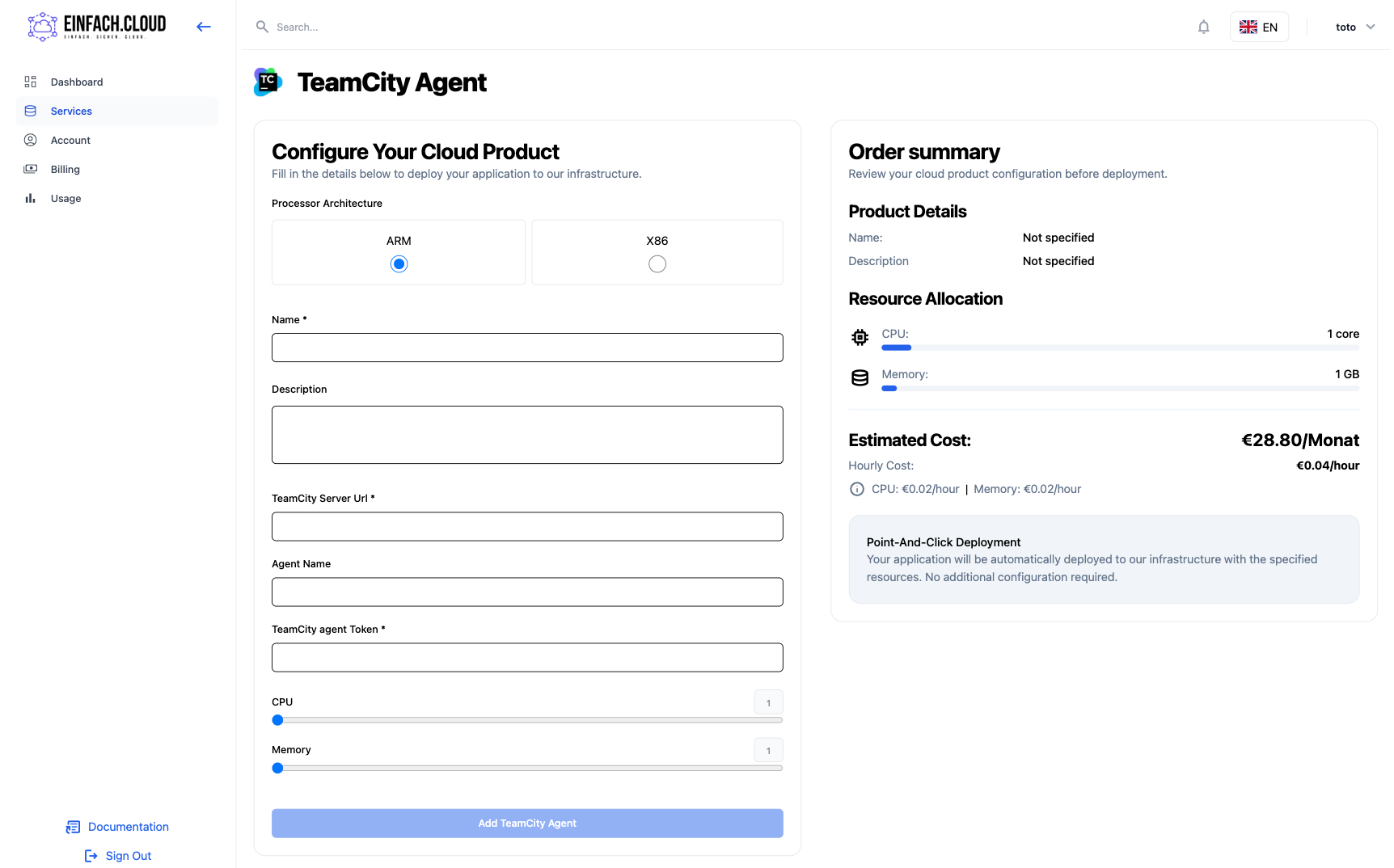
You will then be prompted to enter your payment details. Once successfully processed, the agent will be created. Wait until your runner status appears as Healthy.
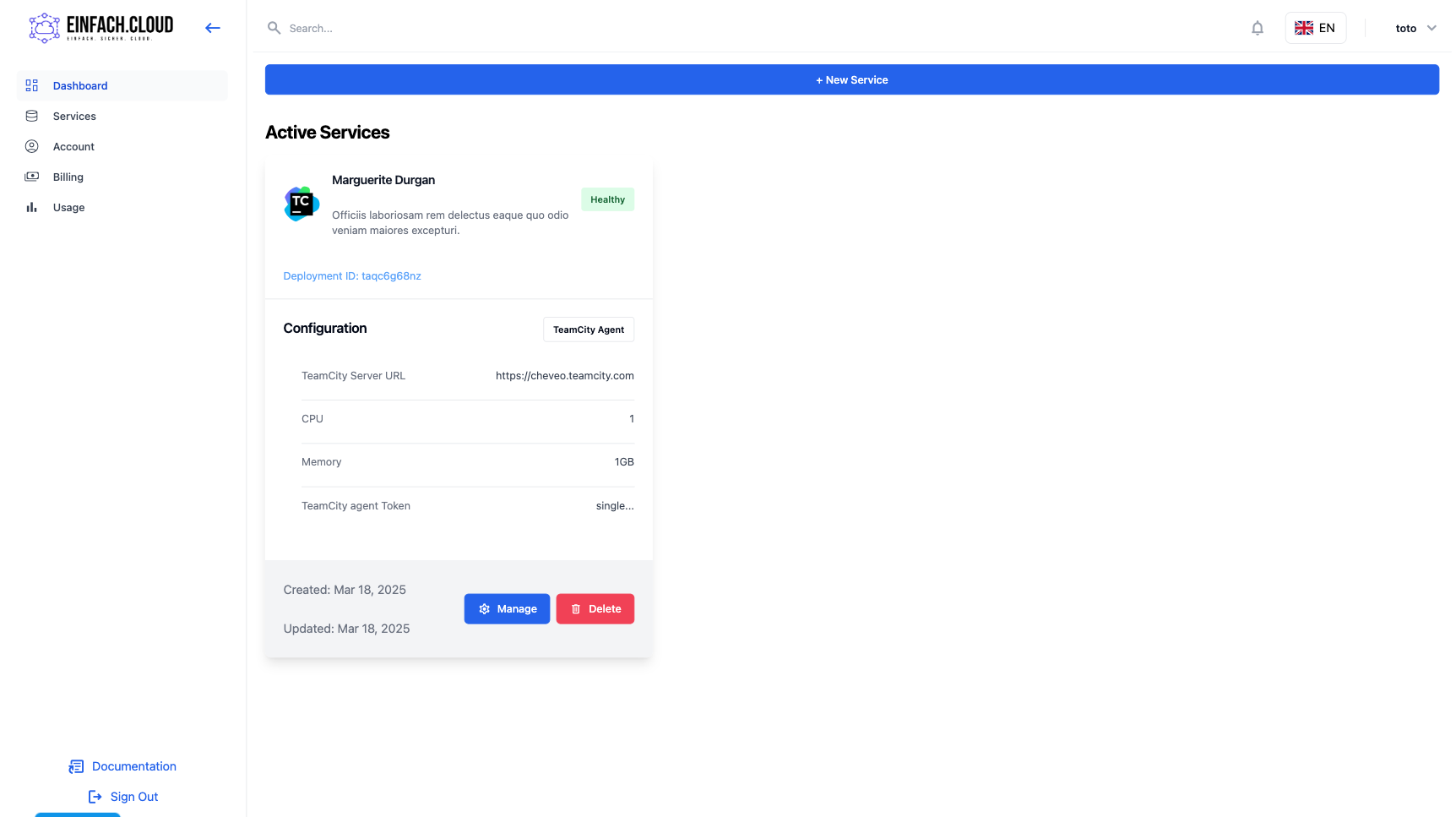
Your TeamCity agent is now deployed and ready to execute jobs.