Dashboard Overview
Welcome to the Einfach.Cloud dashboard! This guide will help you navigate the key features and functionalities of our platform, so you can get started with your CI/CD workflows right away.
Accessing the dashboard
Once logged in you can access the dashboard at dev.einfach.cloud/iaas/dashboard (must be logged in).
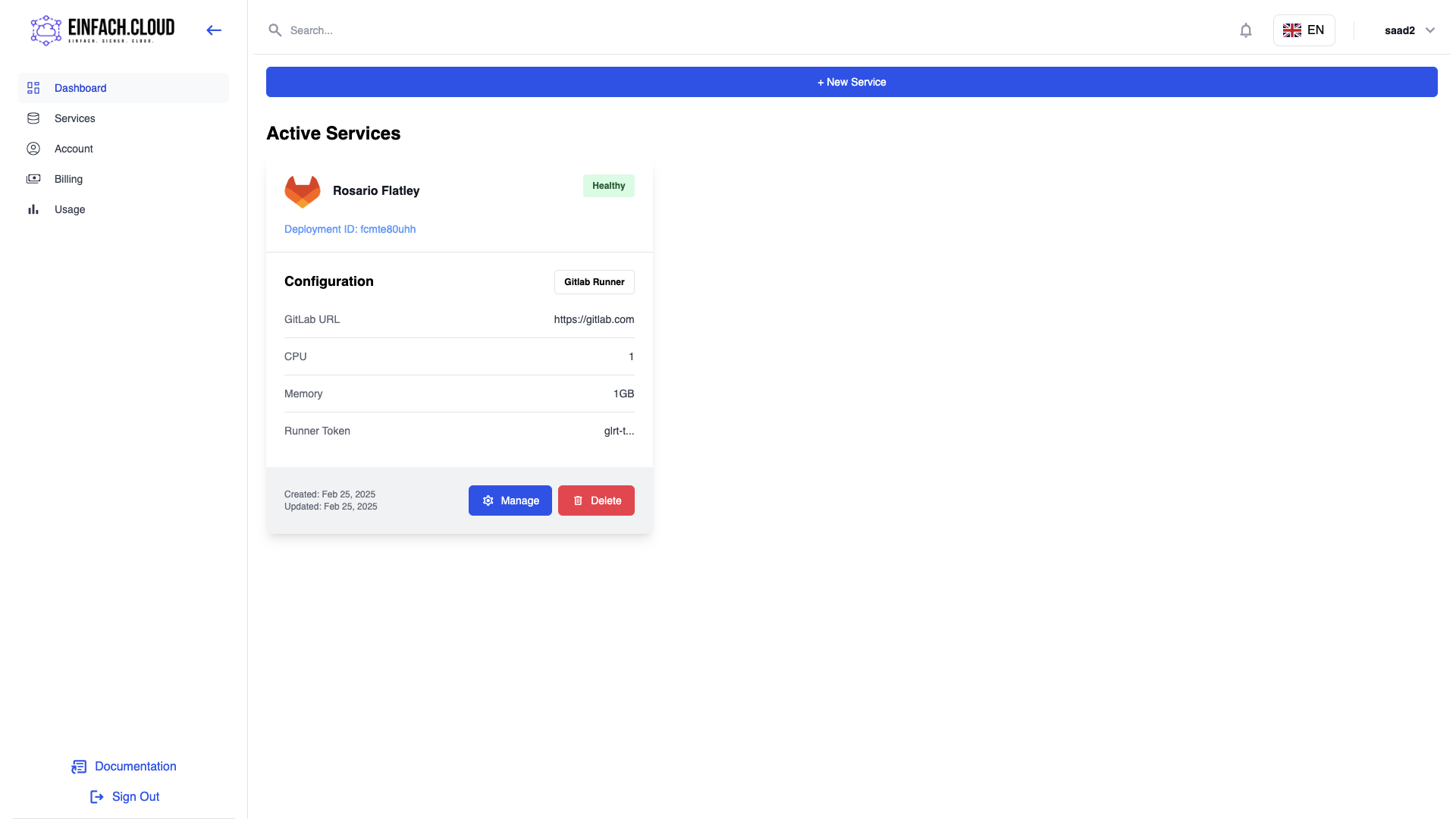
The dashboard provides an overview of your account, including the number of services you have deployed, their status, and the resources they are consuming. you can also get more details about each service by clicking on Manage button.
And on navigation bar you can move on to different views of the dashboard like the billing page, the usage and the account settings page. in which you can manage your account details, change your password and get more details about your deployed services and how many resources they have as well as get enough details about your invoices and the amount due.
Billing and Subscription
And since we are using Stripe as our payment provider is also possible to manage your payment methods and add new ones through the provided User Interface und "Manage Subscription". For any further inquiries or issues, you can always reach out to us at it@cheveo.de