Github actions Runner
GitHub Actions is an open-source project that is used to run your jobs and send the results back to GitHub. It is used in conjunction with GitHub CI/CD, the open-source continuous integration service included with GitHub that coordinates the jobs.
1 - Getting your Github Personal Access Token (PAT)
Before creating a PAT you need to make sure that you have the necessary permissions to create a PAT that can be used to create a runner.
- Go to your GitHub account's Settings > Developer settings
- Click on Personal access tokens.
- fill out the required fields and click on Generate token, and make sure to copy the generated token before closing the page because you will not be able to read it later.
2 - Deploy an Einfach Cloud Github Actions runner
To deploy a runner, you need to have an account in Einfach Cloud. If you don't have one, you can create a new account.
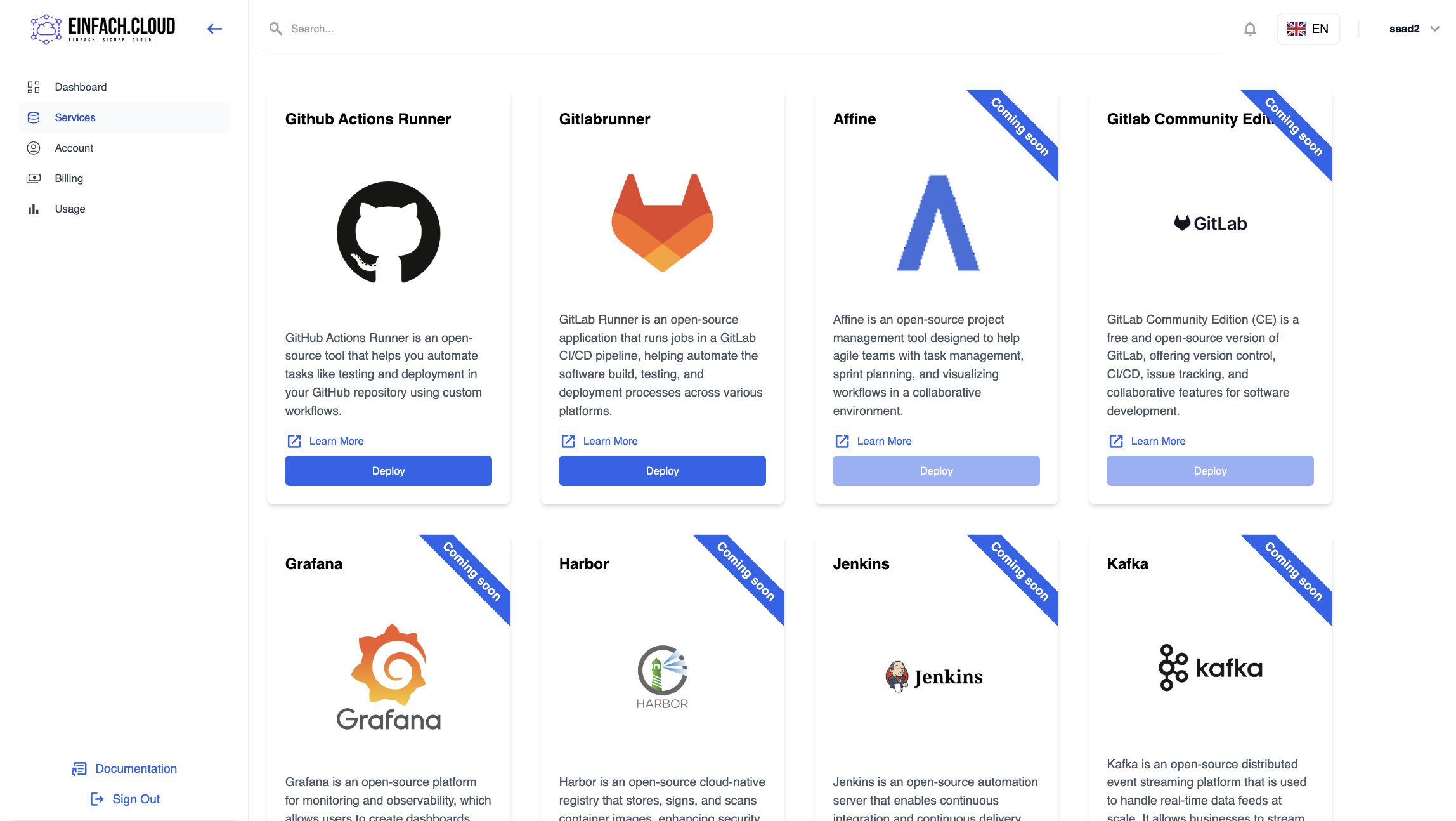
- On the services page click on the Github Actions Runner service.
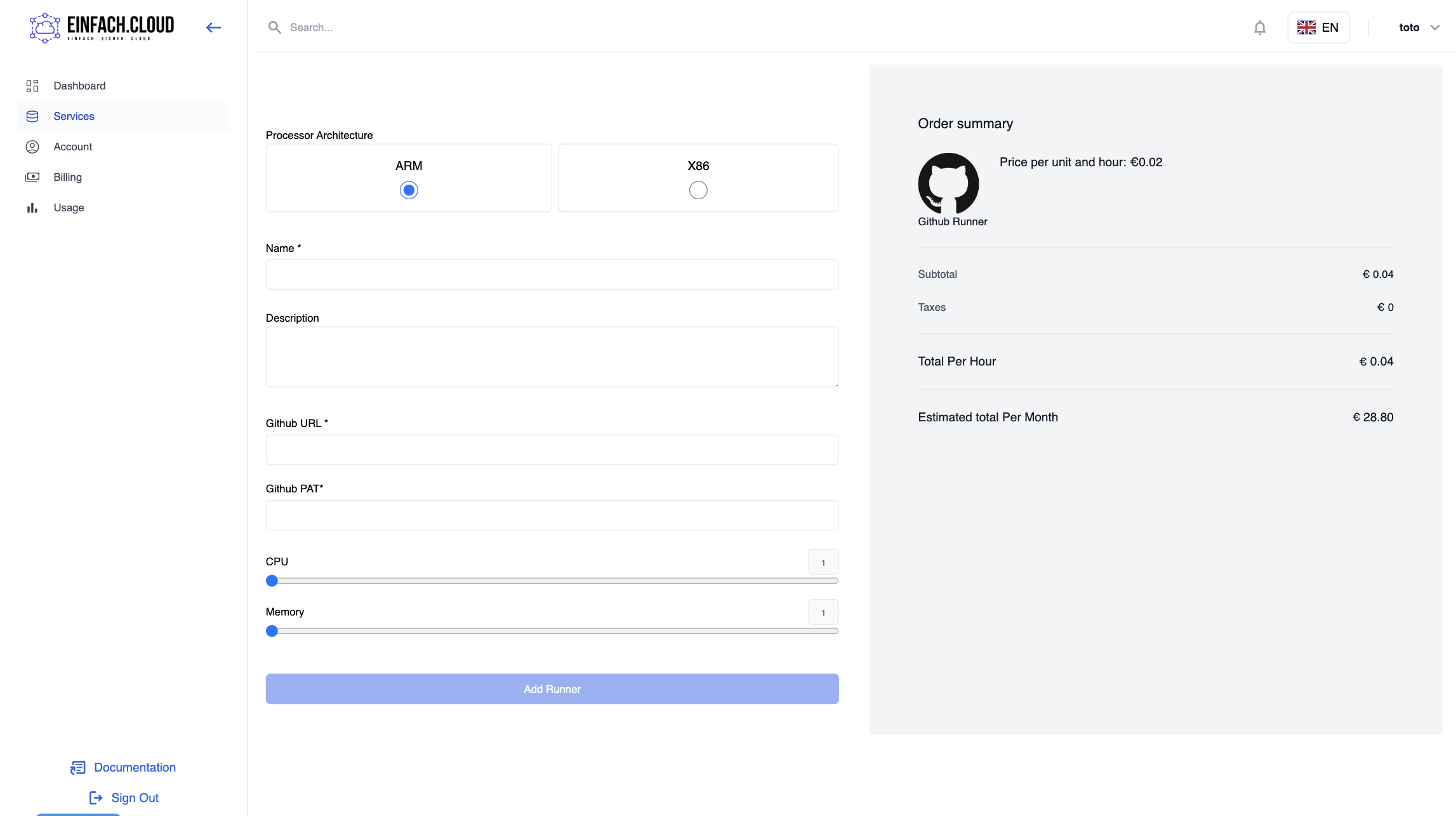
- Create a new runner by filling the required fields and choose your needed resources then click on the Create Runner button.
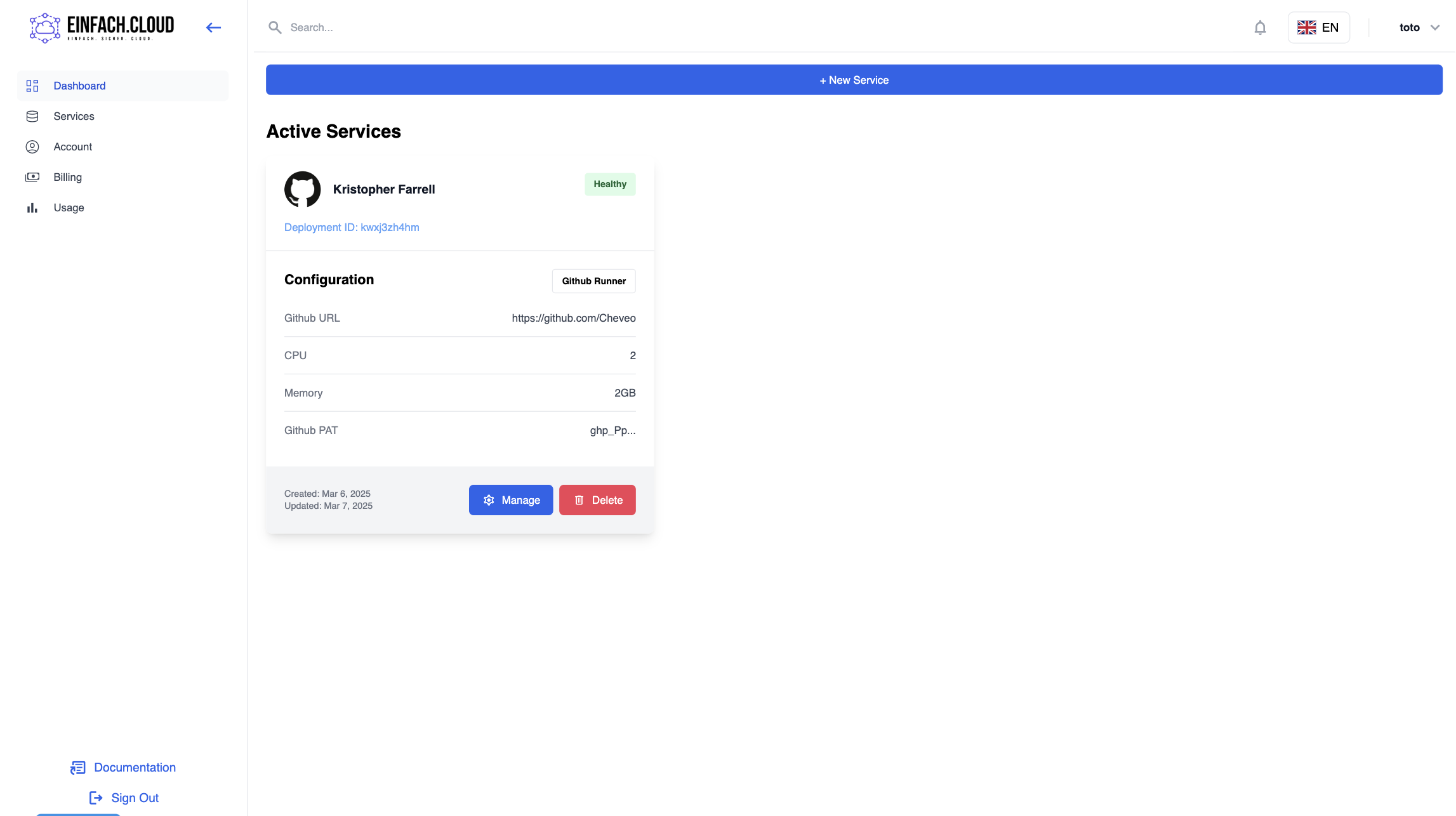
- you will then be prompted to enter your payment details, and if done successfully, the runner will be created and all you need to do is wait until your runner is Healthy