n8n
n8n is a flexible AI workflow automation tool for technical teams. Build with the precision of code or the speed of drag-n-drop. Host with on-prem control or in-the-cloud convenience. n8n gives you more freedom to implement multi-step AI agents and integrate apps than any other tool.
1 - Deploying an n8n instance
To deploy an n8n instance on Einfach Cloud, you need an account. If you don’t have one, you can create a new account.
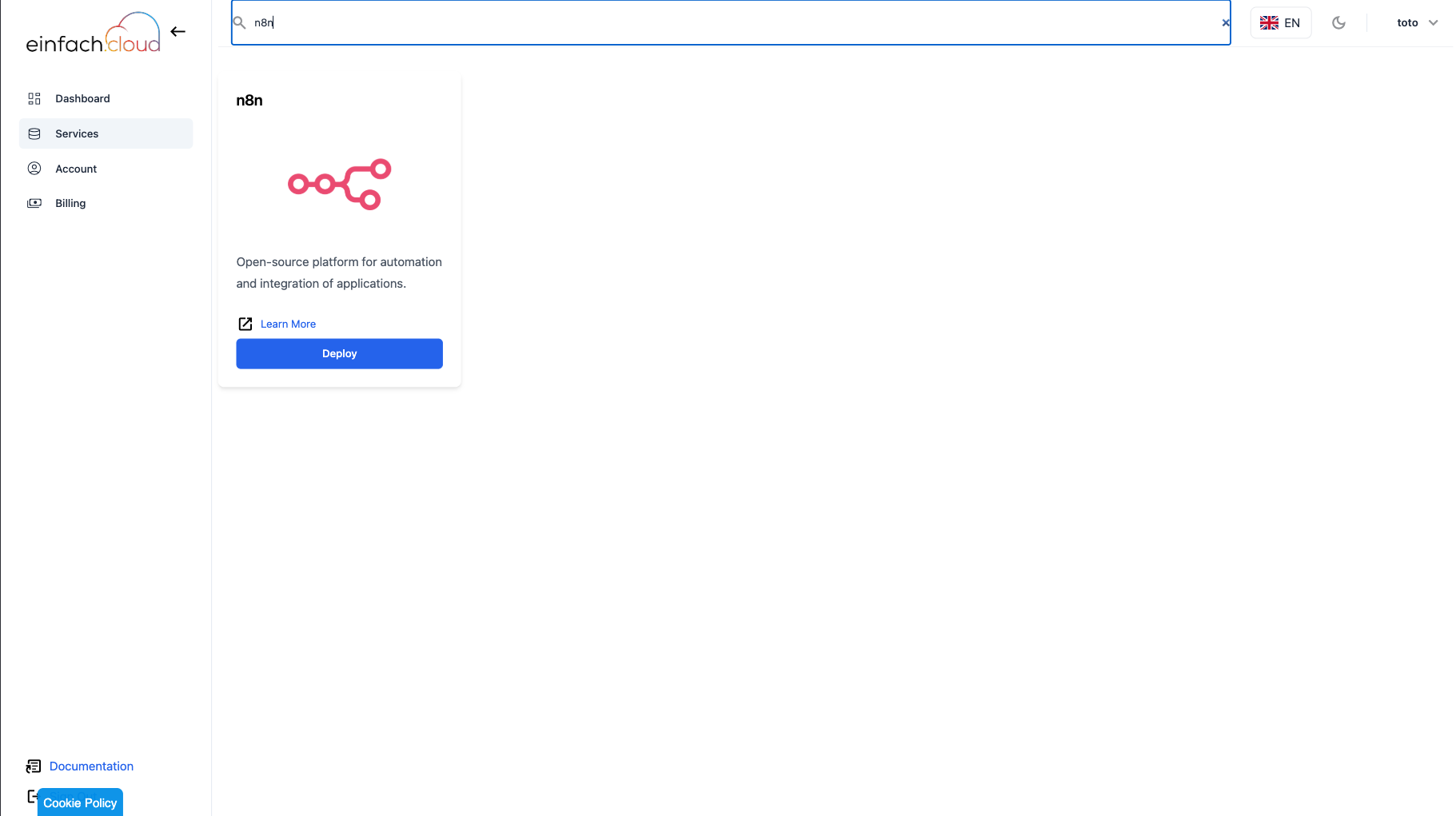
- On the Services page, select the n8n service.
- Create a new agent by filling in the required fields, selecting the necessary resources, and clicking Create n8n.
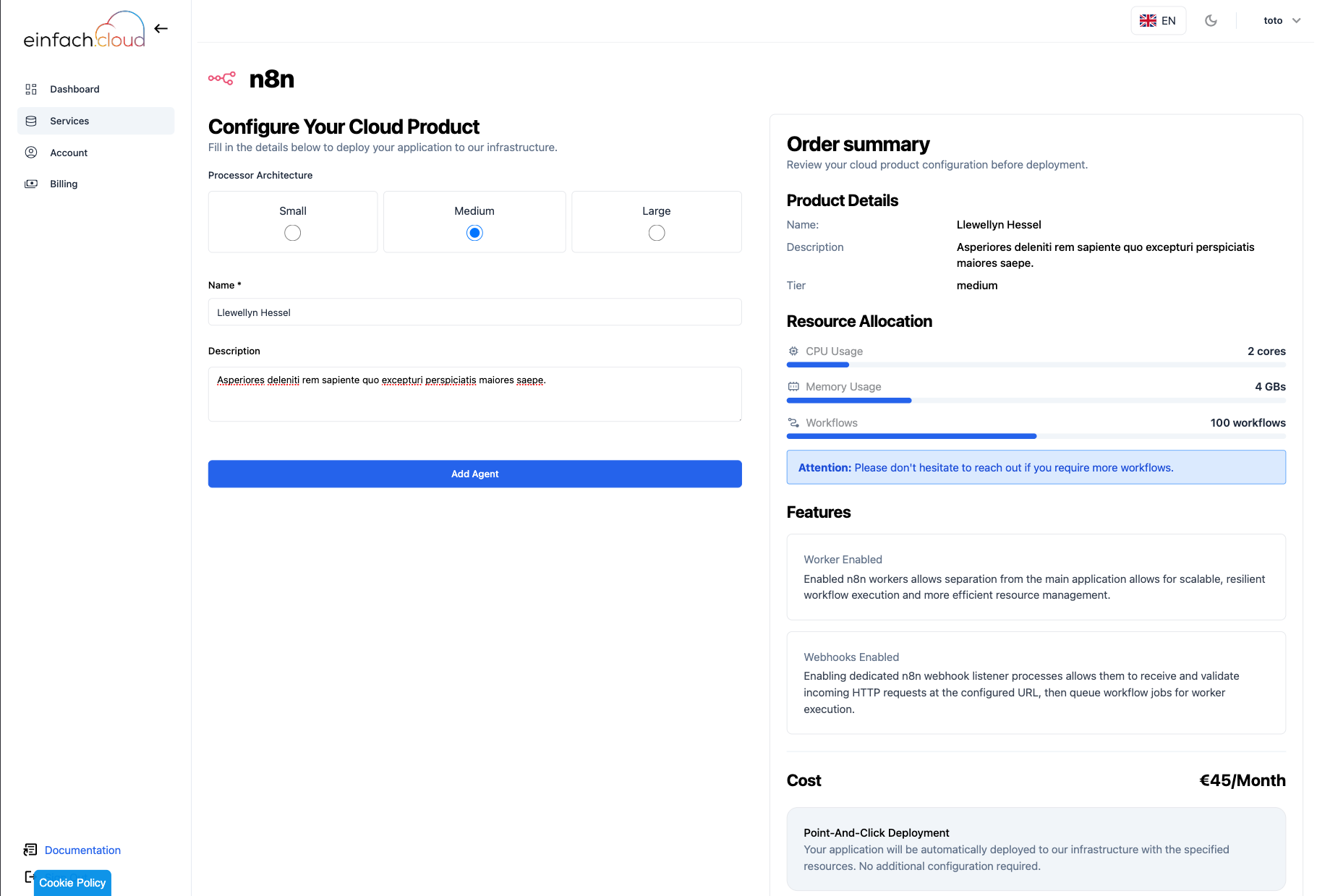
each Tier has a different set of resources, so choose the one that best fits your needs. The n8n service is available in the following tiers:
- small: 1 vCPU, 2 GB RAM, this tier is suitable for small projects upto 50 workflow at the same time.
- medium: 2 vCPU, 4 GB RAM, this tier is suitable for medium projects upto 100 workflow at the same time.
- large: 4 vCPU, 8 GB RAM, this tier is suitable for large projects upto 200 workflow at the same time.
Note: The medium and large tiers have webhooks and workers enabled, which offers hugely improved scalability, resilience and resource management.
Please don"t hesitate to contact us if you need a custom plan, our team of competent engineers will gladly help find the best solution that fits your needs.
- You will then be prompted to enter your payment details. Once successfully processed, the agent will be created. Wait until your runner status appears as Healthy.
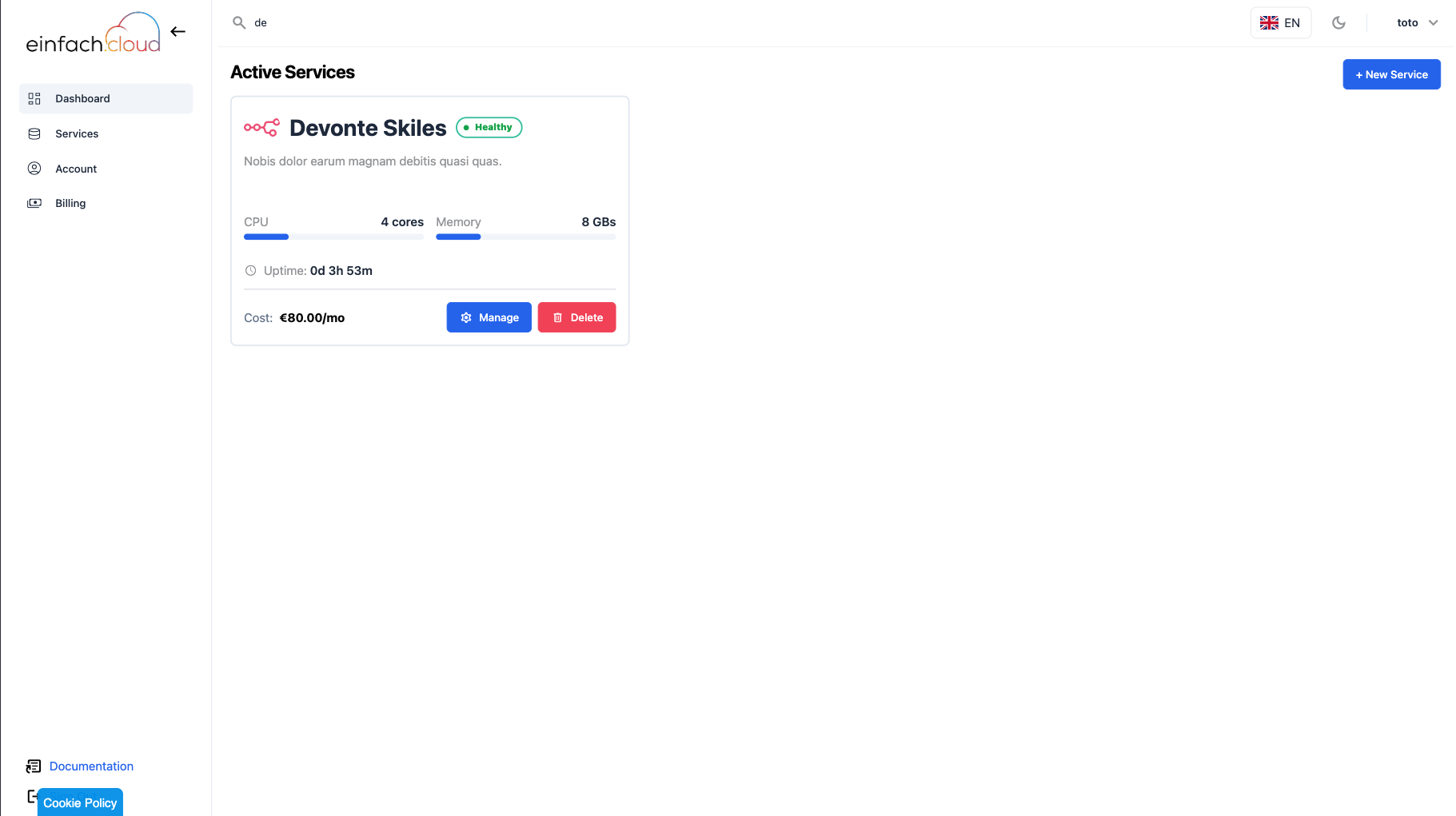
Your n8n instance is now deployed and ready to execute jobs.